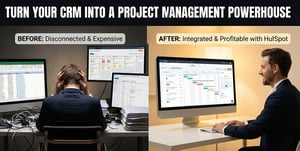
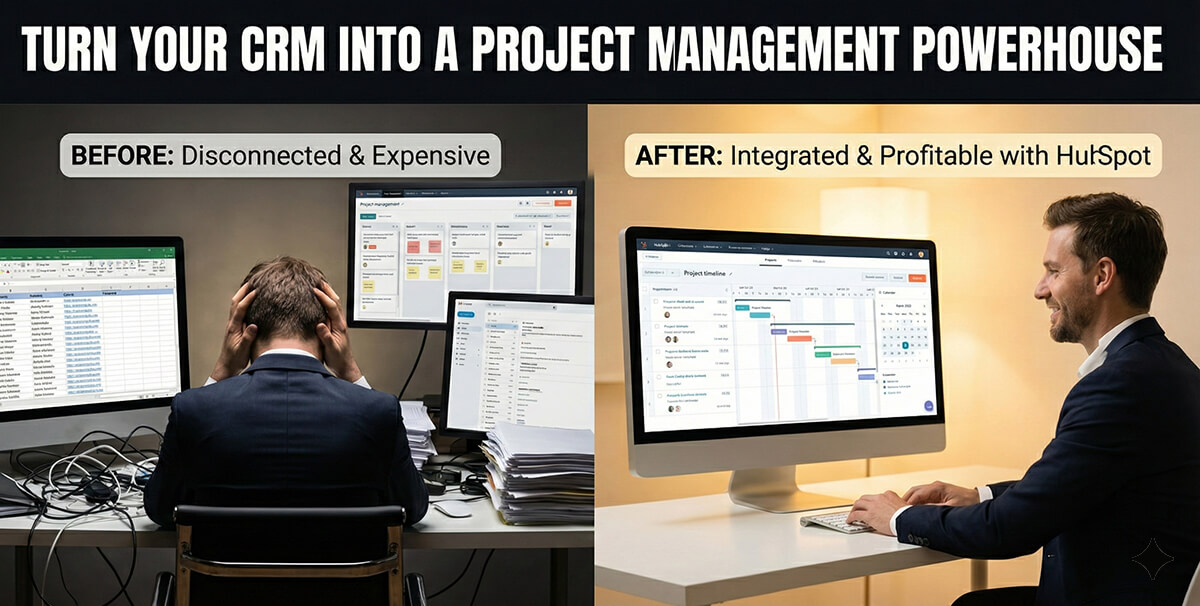
Most businesses treat their CRM like a glorified address book.
They dump contacts in, maybe track a few emails, and then go back to managing their actual work in three or four other tools.
Does that sound like you?
If you nod, you are losing money. You are paying for software you don’t need and wasting time switching between tabs.
But this week, HubSpot changed the narrative. With their new “Flexible CRM Views” update, they didn’t just make the interface prettier. They fundamentally shifted how you can run your operations.
Here is the deal – HubSpot is no longer just for sales and marketing. It is now a legitimate contender for project management.
Let’s break down what changed, why it matters for your bottom line, and how you can use it to optimise your business.
The Problem with Standard CRM Lists

For years, CRMs have looked the same. You get a list. Rows and columns.
It looks like an Excel spreadsheet from 1999.
Lists are great for storing data. They are terrible for visualising time, resources, and progress.
If you run a construction company, a list doesn’t tell you if the plumbing contractor is overlapping with the electricians. If you run a registered training organisation (RTO), a list doesn’t show you which students are clashing with exam dates.
So, what do you do?
You buy Monday.com, Asana, or Trello. You export data from HubSpot, import it into those tools, and pray the integration doesn’t break.
That is friction, and we know that friction kills profit.
Enter Flexible CRM Views
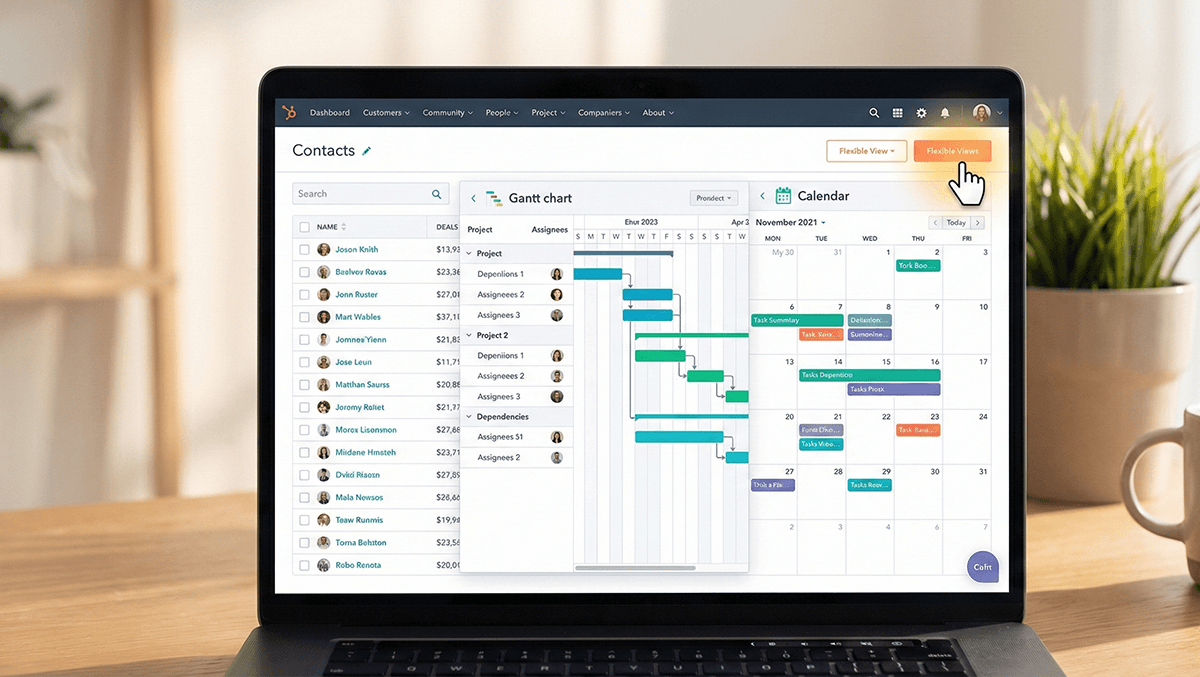
The December 2025 HubSpot update introduces Calendar, Gantt, and Report views directly within the CRM index pages.
You don’t need to leave the platform. You don’t need a third-party integration. You click a button, and your data transforms.
This is massive for operational efficiency.
Let’s look at two specific industries to see why this is practical, not just theoretical.
Construction: The Gantt Chart Revolution

If you are in construction or complex project delivery, you live and die by timelines.
Previously, you would track a lead in HubSpot, win the deal, and then immediately move the project management to another tool to track the build.
Now, you can stay in HubSpot.
With the new Gantt chart view, a project manager can visualise the entire construction timeline. You can see dependencies. If the foundation pouring is delayed by three days, you will see exactly how that delays the framing and roofing.
You can spot bottlenecks before they cost you money.
Because this data lives in your CRM, your sales team can see it too. When a client calls to ask, “How is the build going?”, the sales rep doesn’t have to call the site manager. They review the Gantt view in HubSpot and provide an answer.
That is transparency. That builds trust.
Education and RTOs: Visualising Capacity

For training organisations, managing student enrolments is a logistical nightmare.
You have intake dates, assessment deadlines, and trainer availability.
In a list view, this is just text. In the new Calendar view, it is a schedule.
An RTO manager can now view a Calendar view of all ‘Deals’ (representing enrolments) and instantly see that the November cohort is overbooked while January is empty.
They can adjust marketing spend immediately to fill the January spots.
They can see resource clashes. If you have three classes booked but only two trainers available on a Tuesday, the Calendar view flags it instantly.
You fix the problem before it becomes a crisis.
The Financial Impact: Consolidating Your Tech Stack
This is where the ROI comes in.
I speak to business owners all the time who are drowning in software subscription fees. They pay for HubSpot. They pay for Salesforce. They pay for Asana. They pay for Slack.
It adds up.
With Flexible CRM Views, HubSpot is effectively eating the lunch of lightweight project management tools.
If you are paying $20 or $30 per user per month for a separate project management tool, do the maths. If you have 50 employees, that is $15,000 to $18,000 in annual savings you could realise by using the features HubSpot just gave you.
Consolidating your tech stack does two things:
- It cuts hard costs. You stop paying for redundant licences.
- It creates a “Source of Truth”. When everyone works in one system, your data is cleaner. You don’t have version control issues. You don’t have “sync errors”.
User Experience Matters: Compact vs. Comfortable

HubSpot also introduced data density options: Compact and Comfortable views.
This sounds minor, but it isn’t.
If you are a data analyst or an admin, you want Compact mode. You want to see as many rows as possible on your screen to spot patterns and clean data.
If you are a sales rep making calls, you want Comfortable mode. You want whitespace. You want clarity so you don’t click the wrong phone number.
Allowing users to switch views based on their role improves adoption. If your team likes using the software, they will input better data. If the data is better, your reports are better.
What You Should Do Next
You need to stop thinking of your CRM as just a database. It is an operational engine.
Go into your HubSpot portal today. Look for the “Flexible Views” option on your index pages.
Test the Gantt view for your onboarding projects. Test the Calendar view for your renewal dates.
See if you can cancel that extra project management subscription you barely use.